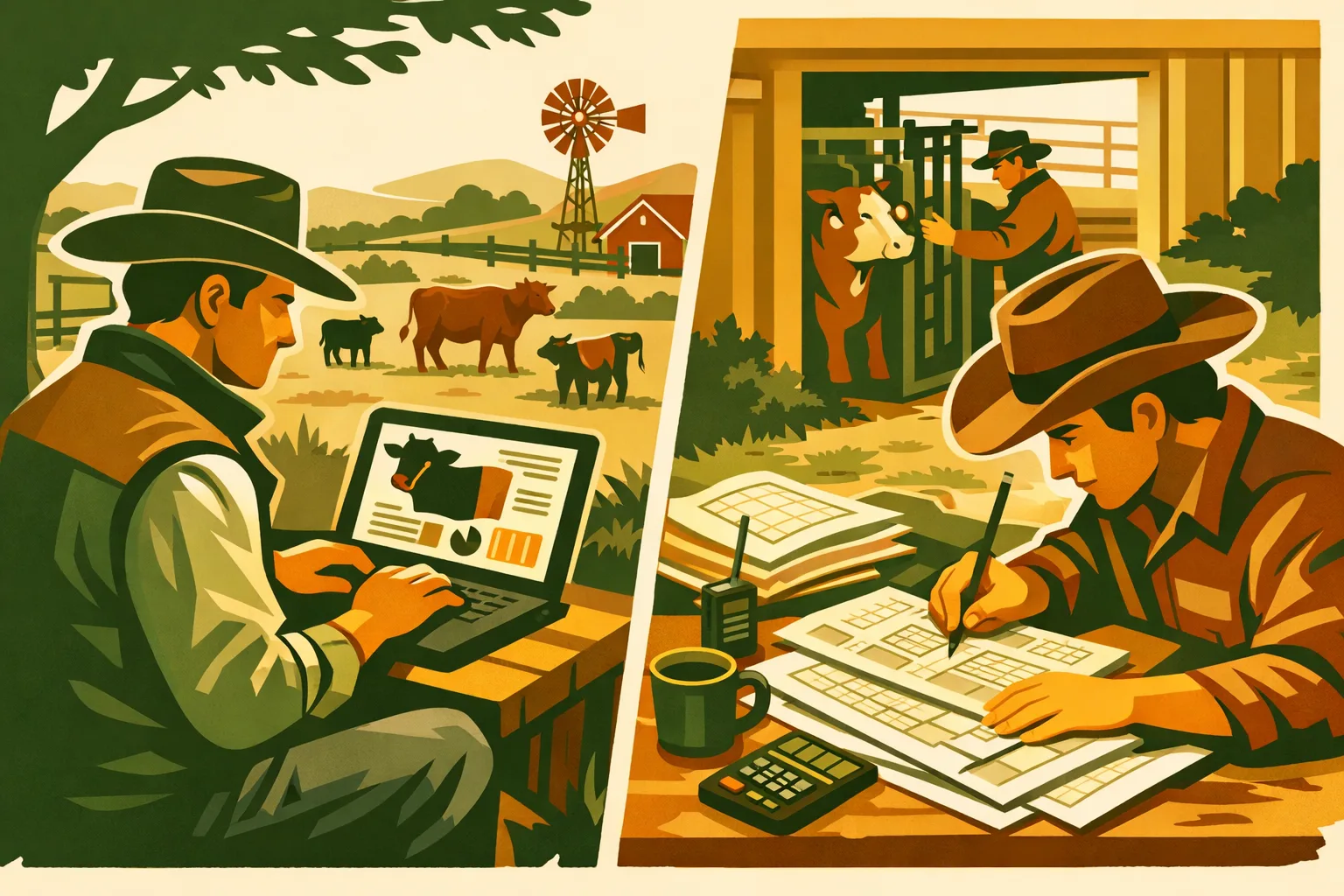
Last spring, a rancher in central Kansas had a buyer on the phone asking about a bull’s complete breeding history. The bull had sired calves across three pastures over four seasons. The rancher knew that — somewhere — the service dates were written down. They found a spiral notebook from two years ago with the right dates, a sticky note from the season before that, and nothing at all from the season prior because the hired hand who ran that pasture had kept records in his own system. The sale went through, eventually, but it cost 45 minutes of looking and a credibility gap that neither party forgot.
That is the problem cattle management software is designed to solve. Not to reinvent how you run your operation — just to make sure the records you’re already keeping are actually findable when you need them.
Here is a clear-eyed look at what livestock software does, what it doesn’t do, and how to decide whether it’s worth the switch for your scale of operation.
What Cattle Management Software Actually Tracks
Purpose-built livestock software is organized around the records that matter most to cow-calf, stocker, backgrounding, and seed-stock operations. The field list is broader than most producers expect.
Animal Identity Records
Every animal in the system gets a profile built around its ear tag number. Beyond the number, the software stores breed, sex, date of birth, dam ID, and sire ID. This creates a searchable pedigree structure that paper notebooks cannot match — you can pull up every offspring a particular cow has ever produced, or every calf a given bull has sired, in seconds.
Most systems also track secondary IDs: RFID chip numbers, brand descriptions, tattoos for breed registry animals, and state-assigned premise IDs for traceability programs.
Breeding Records
This is where livestock software earns its keep for seed-stock and commercial cow-calf operations. A breeding record logs the service date (natural or AI), the bull or semen lot ID, the breeding method, the observed return-to-estrus (or lack of it), pregnancy check results with date and method, and the expected calving date calculated from the confirmed breeding date.
When you have a bull that settled 78% of cows in a single breeding season versus 61% the prior year, that data exists in the record and can be compared. On paper, you’d need to calculate it by hand, season by season.
For AI programs, the software stores the semen tank location, straw lot number, technician name, and synchronization protocol used — records that matter for breed association reporting and for troubleshooting conception rates.
See our guide to tracking cattle breeding records without paper chaos for the specific fields that matter most at the cow level.
Calving Records
The calving event record is a snapshot of the first hours of a calf’s life. Good software captures: calving date and time, calf ID assignment, birth weight, calving ease score (1–5 scale), dam body condition score at calving, calf sex, colostrum intake observation, calf vigor score, and any interventions (assisted pull, C-section, scour treatment in first 48 hours).
These records feed directly into EPD calculation for seed-stock operations and sire summaries for commercial producers evaluating bull battery performance. They also flag cows that consistently need assistance, which is selection data most operations never extract from paper records.
More on what to capture at birth in Calving Record Book: The Fields That Matter.
Health and Treatment Records
The USDA BQA program sets the standard here, and livestock software aligns with it. A treatment record includes:
- Animal ID and lot (if treating a group)
- Date of observation and diagnosis or clinical signs
- Product name, manufacturer, lot number
- Route of administration (SubQ, IM, IV, oral, topical)
- Dose administered and body weight used to calculate dose
- Withdrawal date (calculated automatically if the software knows the product)
- Re-check date
- Treating person’s name or initials
- Outcome at re-check
The withdrawal date auto-calculation alone is worth the price of admission for operations that sell finished cattle or retain ownership to harvest. A missed withdrawal date on a treated animal is a slaughter house rejection — software that watches that date for you removes human error from the equation.
Vaccination Events
Livestock vaccination records in software work similarly to treatment records but add schedule management. You log: vaccine product name, manufacturer, lot number, series (first dose vs. booster), date given, route, dose, and booster due date. Most systems let you set alerts or run reports showing animals with overdue boosters.
For stocker and receiving operations, the incoming vaccination history — often incomplete — gets logged separately from your own administration dates, preserving the chain of custody on what you actually did versus what the seller claims was done.
Weaning and Weight Records
The weaning event ties a calf’s record to a date, a weight, and a dam pairing that closes out. Post-weaning, the weight record becomes a growth performance log: weaning weight, 60-day post-weaning weight, 120-day weight, ADG calculations, and sale weight with buyer and price.
For retained ownership programs, this data drives feed efficiency analysis and helps identify which cow families are consistently producing calves that grade well. More on using these records commercially in Cattle Weaning and Weight Records That Help at Sale.
Financial Records at the Animal Level
Most livestock software lets you attach cost data directly to individual animals: purchase price, cost basis per pound, vet invoice amounts, and sale price. This sounds simple, but it means you can run a true cost of gain calculation on a stocker lot or a per-head profit/loss on a group of cull cows without pulling numbers from three different systems.
Not all apps handle financials equally — some are records-only and expect you to use separate accounting software. Know what you’re buying.
What Livestock Software Does NOT Do
The honest version of this conversation includes what the software won’t solve.
It doesn’t write USDA NRCS or BQA audit reports automatically. Most apps can export data as CSV or PDF, and some have report templates. But an EQIP conservation plan, an organic certification application, or a USDA health certificate for export requires a human — usually a vet or agency contact — to interpret the records and sign off. The software gives you the data; you still do the paperwork.
It doesn’t replace vet judgment on treatment protocols. The software records what you administered. It does not tell you what to administer. Treatment decisions still require a valid VCPR (veterinarian-client-patient relationship) and professional guidance. Some apps have reference guides built in, but those are informational, not diagnostic.
It doesn’t sync with your lender’s records. If your ag lender, FSA office, or crop insurance agent needs production records, you export and send. There is no live integration between livestock software and commercial lending systems. That bridge doesn’t exist yet.
It doesn’t get everyone on the operation to use it. This is the one no vendor will tell you. Multi-person operations — spouse, son-in-law, seasonal workers — require buy-in from every person who touches records. Software with incomplete data is often worse than paper notebooks with complete data, because you trust the software and don’t know what’s missing. Plan the rollout before you subscribe.
It doesn’t know which cow has a personality issue. Temperament scores and fence-jumping habits live in your head and in handwritten notes. Some apps have custom fields or notes sections; use them.
Mobile apps have data gaps when you’re offline in the pasture. The best livestock apps are designed offline-first: you enter records in the field, and they sync when you hit WiFi or cell signal. But not all apps do this well. Some require connectivity to save records. Ask specifically about offline behavior and sync conflict resolution before committing. An app that loses records when you’re in a dead zone is worse than a notebook.
When Herd Software Makes Sense
Some operations clearly benefit. Here are the practical thresholds.
Herd over 40–50 head, single operator. Below this size, a well-maintained notebook or spreadsheet can genuinely keep up. Above it, the number of animals, events, and cross-references outpaces what paper handles gracefully — especially during calving season or a disease outbreak when records are created fast and referenced often.
Multi-person operation. If more than one person creates and reads records — a spouse, a partner, hired help, a consulting vet — centralized software where everyone sees the same record set eliminates the “which notebook did you put that in?” problem. This is probably the single strongest argument for software on mid-sized operations.
Leased bulls or AI breeding program. Sire verification, conception rate tracking, and breeding date documentation become essential when you’re paying for bull power or semen that isn’t yours. The data also has resale value: a bull with a documented 90-day breeding record is worth more than one without it.
State or federal program participation. USDA EQIP, organic certification, export health certification, and state premise registration programs all require documented records. Software that can export clean, formatted data simplifies audit prep significantly.
Breed registry animals. Breed associations require verified pedigree and performance records for registration, expected progeny difference (EPD) calculation, and sale catalogues. Software that exports in registry-compatible formats (some do, many don’t — check) saves the manual re-entry step.
When Paper or a Spreadsheet Still Wins
The software industry would prefer you forget this category exists.
Under 20 head, one operator, minimal regulatory exposure. A composition notebook and a simple Excel template handle this cleanly, cost nothing, require no training, and work without cell signal or a subscription payment. If your operation is this size and this simple, the overhead of learning new software doesn’t pay back.
Heavily off-grid operations. Solar power and cell dead zones describe a lot of working ranches. If your pastures have no cell signal and your headquarters has spotty internet, an app that requires connectivity creates more problems than it solves. Some apps handle offline well; others don’t. Paper doesn’t go offline.
Short-term backgrounding with minimal treatment history. If you’re buying stocker calves, running them 90 days, and selling them without retaining ownership to harvest, the record set is thin: receiving records, incoming health status, your own vaccination events, weight gain, and sale records. A spreadsheet handles this fine.
One-season use case. A producer who calves 30 cows in a spring-only calving season and wants nothing more than a calving date, calf ID, and dam ID can do this in a simple spreadsheet. The overhead of setting up a software account for 30 records per year is not worth it.
If you’re on the fence about which approach fits your operation, Herd Management Software vs Spreadsheets: When Each One Actually Wins works through that decision in detail.
The Species-Specific Records Most Cattle Software Gets Wrong
Most livestock software was built for cattle. If you run a mixed operation — cattle plus goats, sheep, or hogs — the fit may be poor.
Goats have a different record structure than cattle at kidding. Kidding is litter-based: a doe may produce one, two, or three kids at a time, and each needs its own ID, birth weight, sex, dam pairing, and vigor assessment. Disbudding date, wethering date, and scrapie tag application are goat-specific records that cattle-only software ignores. For dairy goats, daily milk yield per doe is a core record that cattle apps don’t handle. See Goat Herd Records: Kidding Dates, Lineage, and Health for the complete field set.
Sheep have lambing records that parallel calving records but add ewe-lamb bond assessment, tail docking date, and castration date for ram lambs. EID (electronic identification) tag records are mandatory in many countries and increasingly common in U.S. export markets. CPD (chronic progressive pneumonia/ovine progressive pneumonia) testing records are a state compliance requirement in some western states. Software that doesn’t include these fields forces you to maintain a parallel paper system, which defeats the purpose. Full sheep record guidance in Sheep Flock Records That Save You at Lambing and Sale Time.
Hogs use an ear notch ID system rather than tags, farrow records rather than calving records, and litter-based weaning data rather than individual weaning events. The breeding record structure is similar to cattle but with shorter gestation and the possibility of multiple sires on a litter in natural service herds.
Many cattle-focused apps will let you create custom fields to capture species-specific data, but that means you’re building the structure yourself — not a clean out-of-the-box solution.
10 Questions to Ask Before Committing to Any Livestock Software
Before you enter your first animal record, run through this list.
-
Does it work offline, and how does sync handle conflicts? Enter records in the pasture and sync when you get signal. Ask what happens if two people edit the same record offline — which version wins?
-
Can you import your existing records via CSV? If you have 200 animals already in a spreadsheet, you need a clean import path. Manual re-entry of 200 records is a reason operations abandon new software before they fully adopt it.
-
Does it handle all your species, or just cattle? If you have goats and sheep alongside cattle, verify that kidding, lambing, and species-specific record fields are built in — not just available as “custom fields” you build yourself.
-
Who else needs access, and how does multi-user work? Some apps charge per user. Some have read-only roles. Some have no role differentiation at all. Know what your operation needs before you sign up.
-
Can you export records in a format your vet and buyer will accept? PDF and CSV export are the minimum. Ask whether the export is clean and complete or whether it’s a raw data dump that requires post-processing.
-
Does it calculate and alert on withdrawal dates? This is a binary: it does or it doesn’t. If it doesn’t, you’re still manually tracking withdrawal dates somewhere else.
-
How does it handle ear tag changes or re-tagging? Cattle lose tags. When you re-tag an animal, the software needs to maintain the full history under a new tag number. Some systems handle this gracefully; others create a new animal record and orphan the old one.
-
What happens to your data if you cancel? You need to be able to export everything before you lose access. Ask specifically whether the export is full or partial, and whether there is a sunset period after cancellation where you can still pull data.
-
Is there a free tier, and what’s locked behind the paywall? Free tiers that cap at 10 animals are useless for commercial operations. Know exactly what you get at each price tier before you start entering data.
-
What does a 90-day onboarding look like? Ask what you should enter first, what order to tackle records in, and whether there is documentation or support for the initial setup. A 90-day plan prevents the “I’ll finish setting it up later” failure mode.
Record Type Comparison: Paper vs. Spreadsheet vs. Livestock App
| Record Type | Paper Notebook | Spreadsheet | Livestock App |
|---|---|---|---|
| Animal ID / pedigree lookup | Manual search | Filterable if structured | Instant search |
| Breeding dates by sire | Manual tally | Possible with formulas | Built-in reporting |
| Calving ease scoring | Recorded, not summarized | Manual pivot table | Automated summaries |
| Treatment withdrawal dates | Manual calculation + reminder | Formula, no alert | Auto-calculated with alert |
| Vaccination booster alerts | Not available | Calendar-based workaround | Built-in alert |
| Multi-person access | Physical notebook only | Shared file (version risk) | Role-based access |
| Offline data entry | Always works | Always works | Depends on app |
| Export for vet / buyer | Not possible without transcription | CSV export | PDF or CSV export |
| Species-specific fields (goat/sheep) | Flexible but unstructured | Custom columns | Varies by app |
| Historical trend analysis | Not practical | Manual calculations | Automated reporting |
How HerdFlo Approaches This
HerdFlo’s free tier covers the core record set that most cow-calf, stocker, and small ruminant operations need: animal ID with pedigree, breeding records, calving records, health and treatment logs with withdrawal date tracking, vaccination events, and weaning weights. There is no animal cap that makes the free tier useless — it is designed to be functional for working operations, not just a demo.
The app handles cattle, goats, and sheep in a single account. If you run a mixed operation, you are not buying separate software for each species or working around missing fields with custom hacks.
Mobile data entry is offline-first. Record the calving or treatment in the pasture, sync when you get back to the truck or to the house. Records do not require connectivity to save locally.
Your data exports as CSV at any point. If you decide the software isn’t the right fit or you want to move records to a different system, that export is available without a support ticket or a cancellation process.
Start with animal ID records, then breeding history, then open up health events. The 90-day onboarding order matters because it builds the record structure before you need to query it at calving or sale time.
Visit herdflo.com to set up a free account.
Related Guides
- Herd Management Software vs Spreadsheets: When Each One Actually Wins
- Livestock Vaccination Records: What to Log and How Long to Keep It
- Calving Record Book: The Fields That Matter
- How to Track Cattle Breeding Records
- Cattle Weaning and Weight Records That Help at Sale
- A Simple Herd Health Log Your Vet Will Thank You For
- Goat Herd Records: Kidding Dates, Lineage, and Health
- Sheep Flock Records That Save You at Lambing and Sale Time
As an Amazon Associate we earn from qualifying purchases at no extra cost to you.
Gear Worth Having
- Livestock Record Book — If part of your operation is still on paper, a dedicated farm record book is easier than a general notebook.
- Ear Tag Kit — Digital or paper, every record system needs a physical animal ID. Tags and applicator together.
- Farm Record Binder — Organize paper records by category before you migrate them to software. Makes the transition cleaner.